
Please note: If you are unable to remove Okta Verify, you will need to submit a ticket to helpdesk@campusapts.com for assistance.
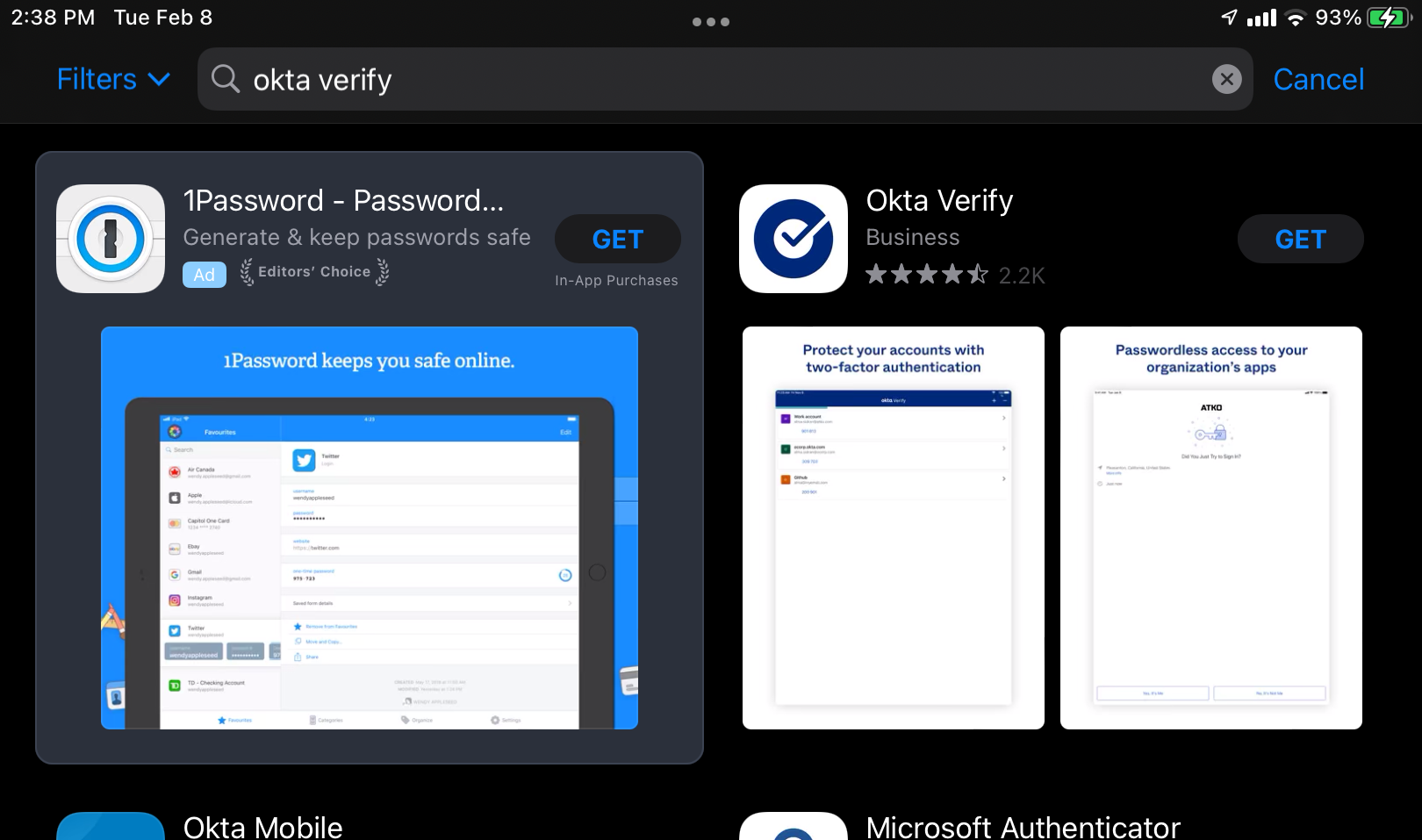
- To install Okta Verify on an iOS device, first access the App Store from the application menu or home screen or click here.
- Click Get
- Once installed, please follow the instructions on this article to configure Multifactor Authentication
Comments
0 comments
Article is closed for comments.