
In order to set a phone forward, you must first have your cell phone number added to 3cx. If you do not have your phone number added to 3cx, please follow the instructions here.
- To access Settings, click on the three horizontal dots on the left hand menu
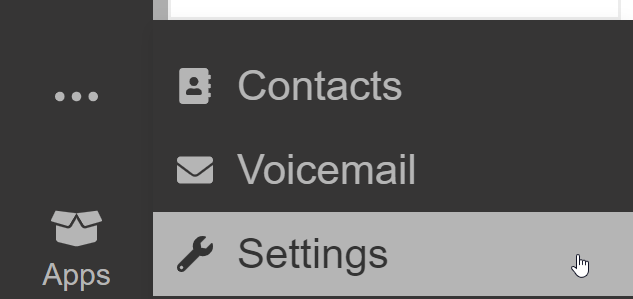
- Click Status
- Select Away
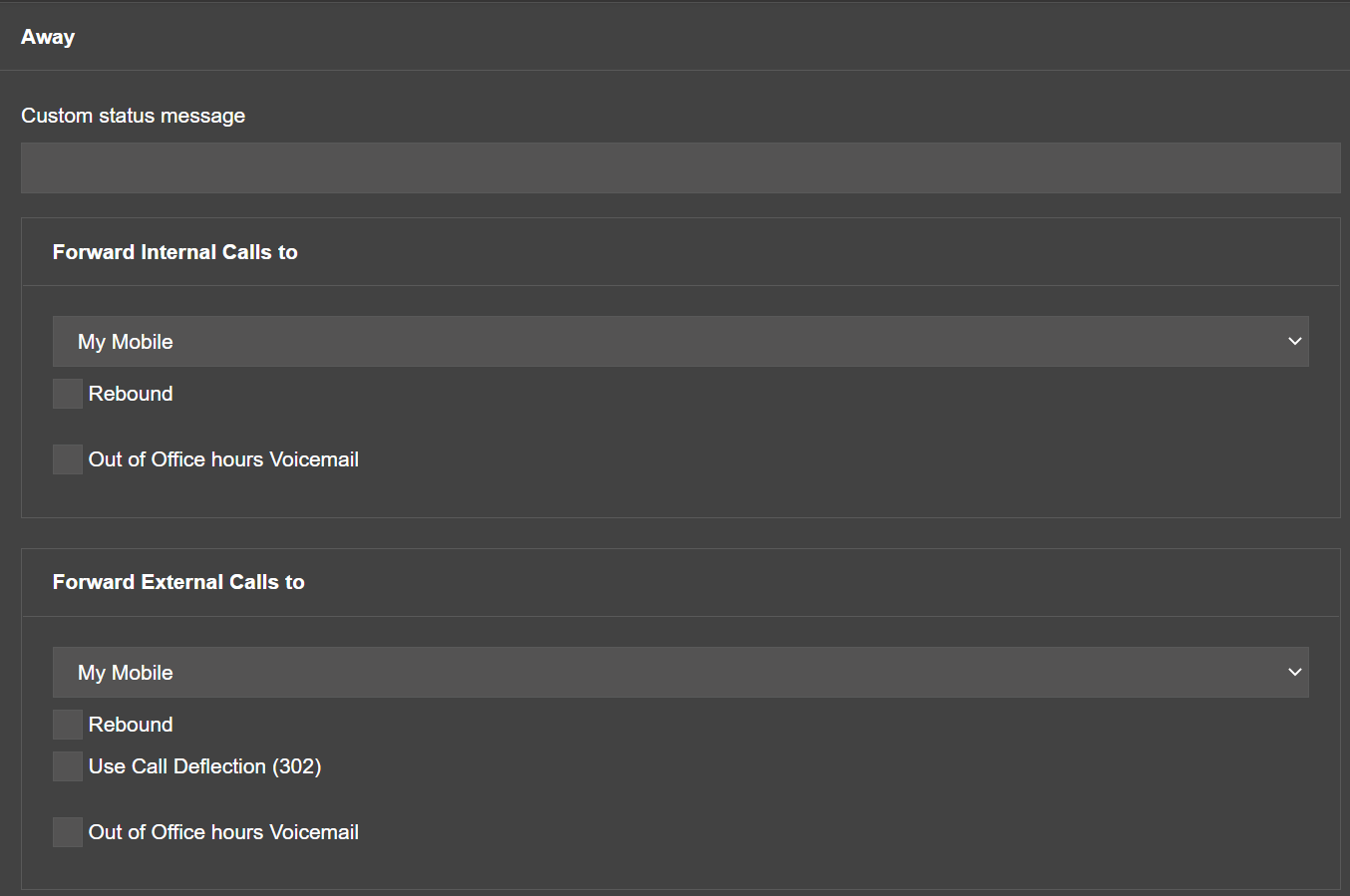
- Confirm that both Internal and External calls will be routed to your Mobile
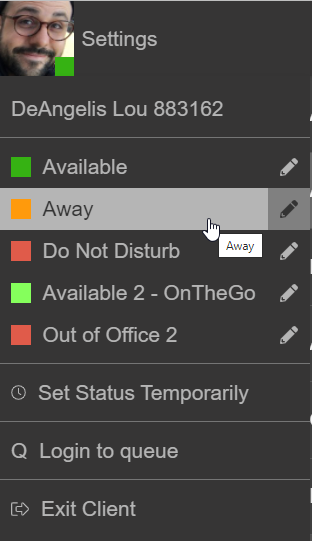
- Once confirmed, click your profile picture in the top right corner
- Change status to Away
Comments
0 comments
Article is closed for comments.