
- Using two fingers, swipe down from the top of the screen, and then tap the Settings icon.
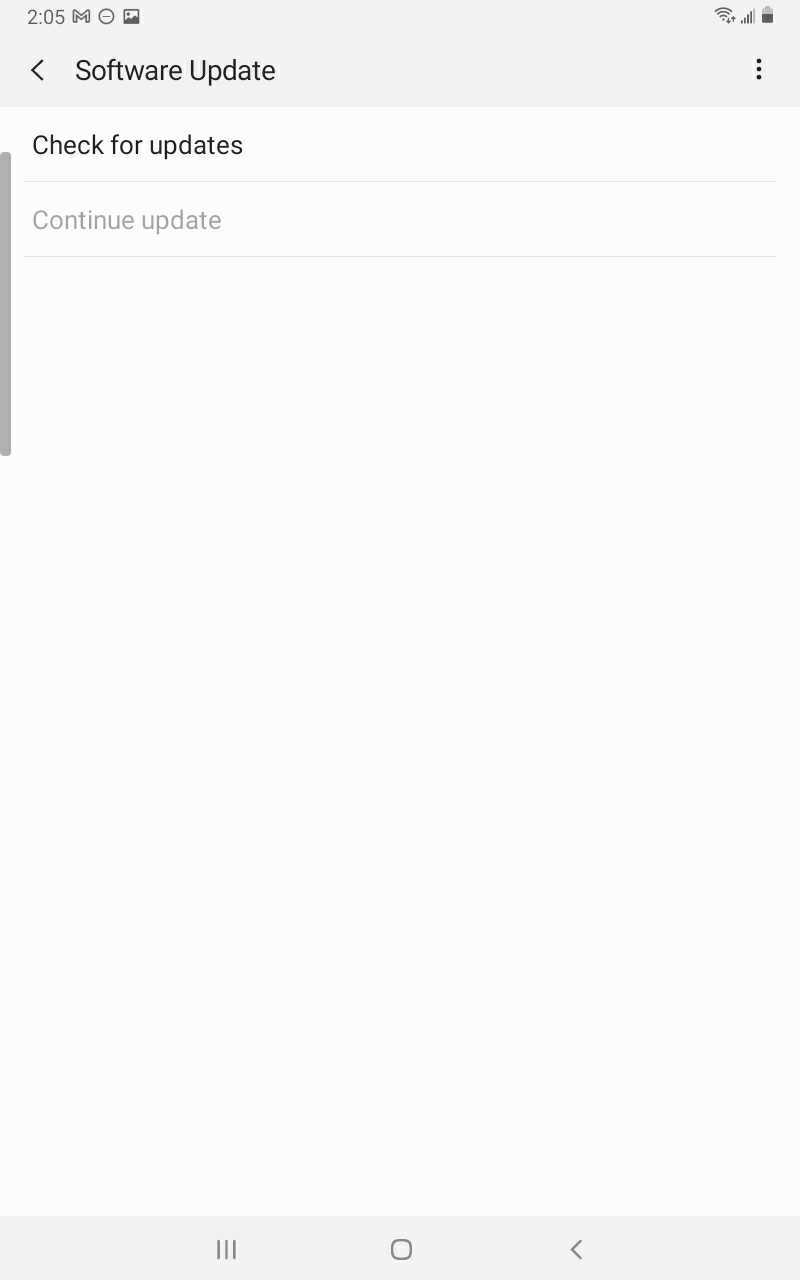
- Swipe to and then tap Software update.

-
Tap Download and install, or Check for system updates. If an update is available it should begin downloading automatically, although you may need to tap Download now on some devices.

-
When the download is complete, follow the on-screen instructions to install the update.
Comments
0 comments
Article is closed for comments.