
You can update an iPad to the latest version of iOS or iPadOS wirelessly.
If you're using iOS or iPadOS 14.5 or later, you might see the option to choose between two software update versions. You can update to the latest version of iOS or iPadOS 15 as soon as it's released, or continue to use iOS or iPadOS 14 while still getting important security updates for a period of time.
- Plug your device into power and connect to the internet with Wi-Fi.
- Go to Settings > General, then tap Software Update.
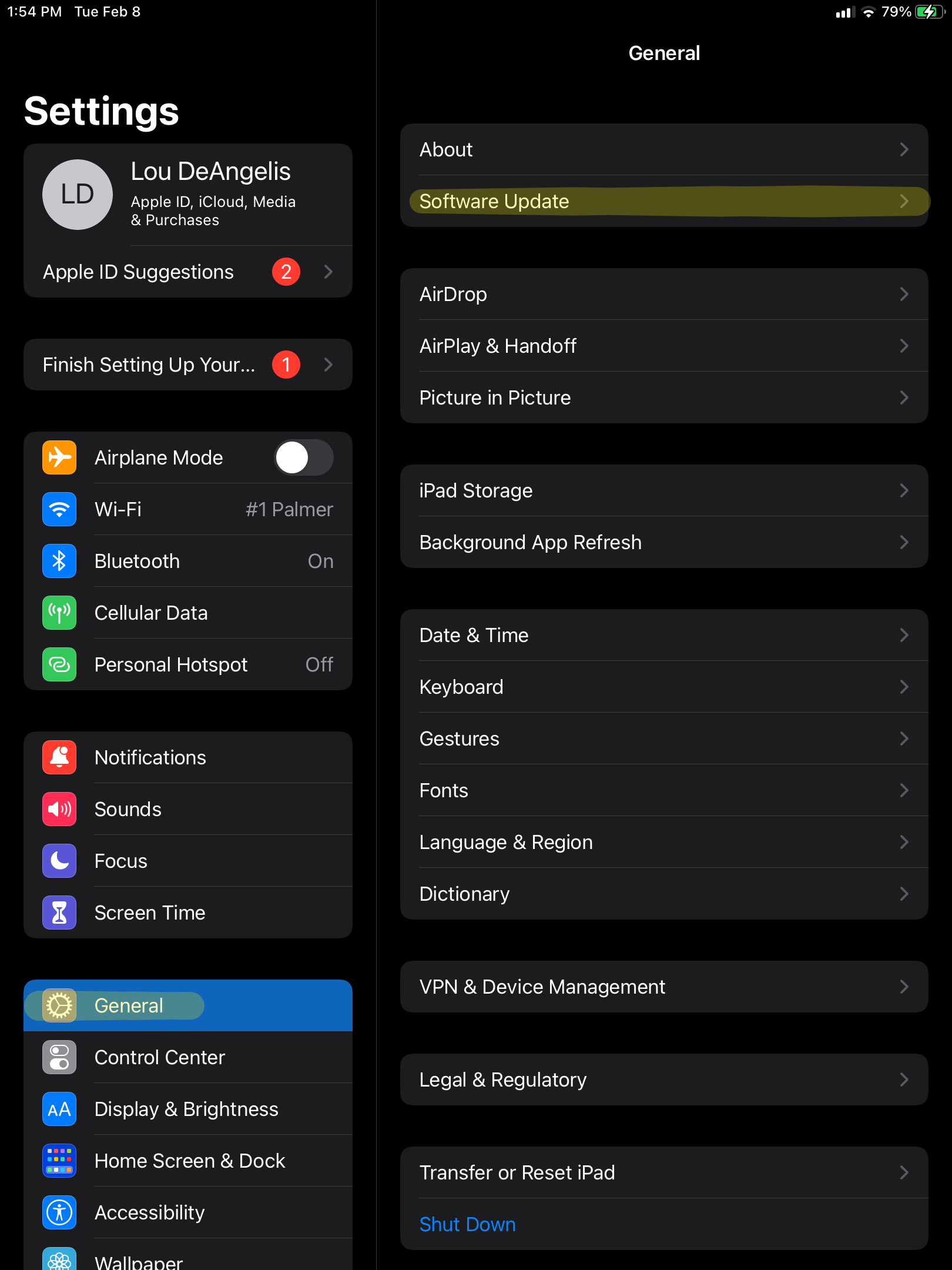
- If you see two software update options available, choose the one that you want to install.
Comments
0 comments
Please sign in to leave a comment.