
Requires iPadOS 13.3 or later.
- On your Apple device, go to the App Store, search for “Box” and launch the Box installation page. You can also access the download link on this page.
- Select Install. The Box Setup Wizard will begin running.
- Once installed, the Install button will be replaced with Open. Click the Open button.
Signing in to Box for iOS
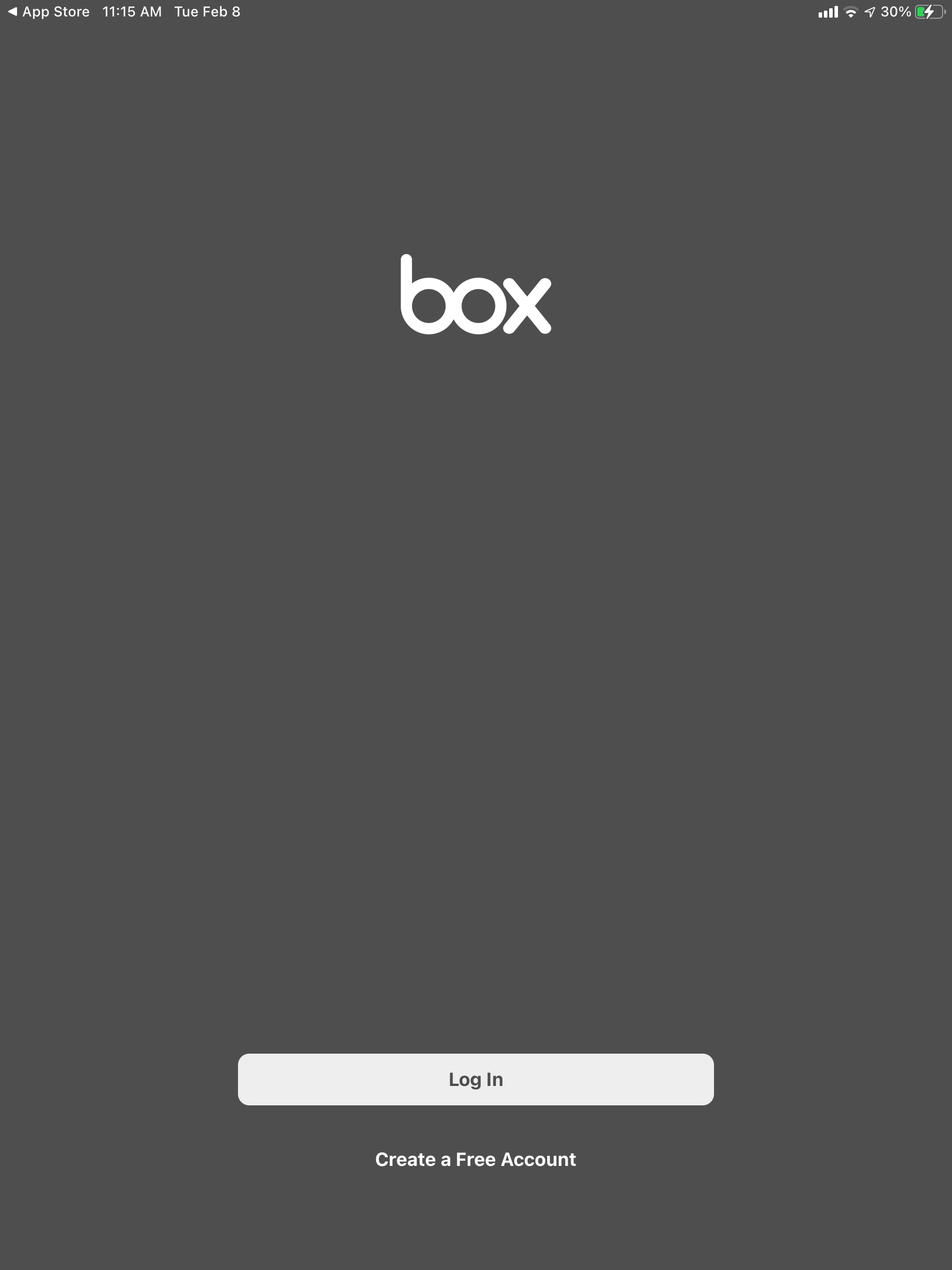
- Click Log In
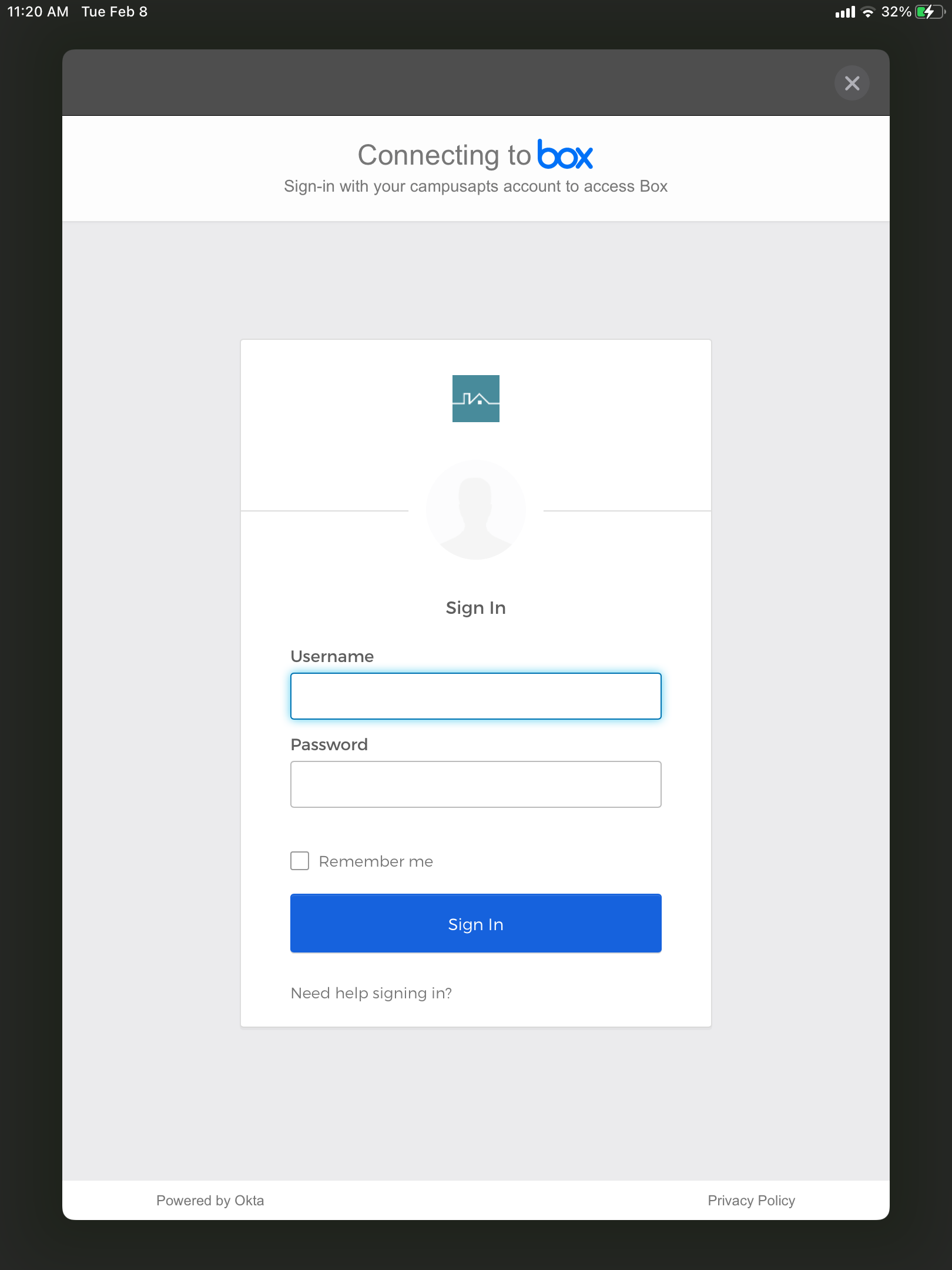
- Enter your Campus Apartments username and password
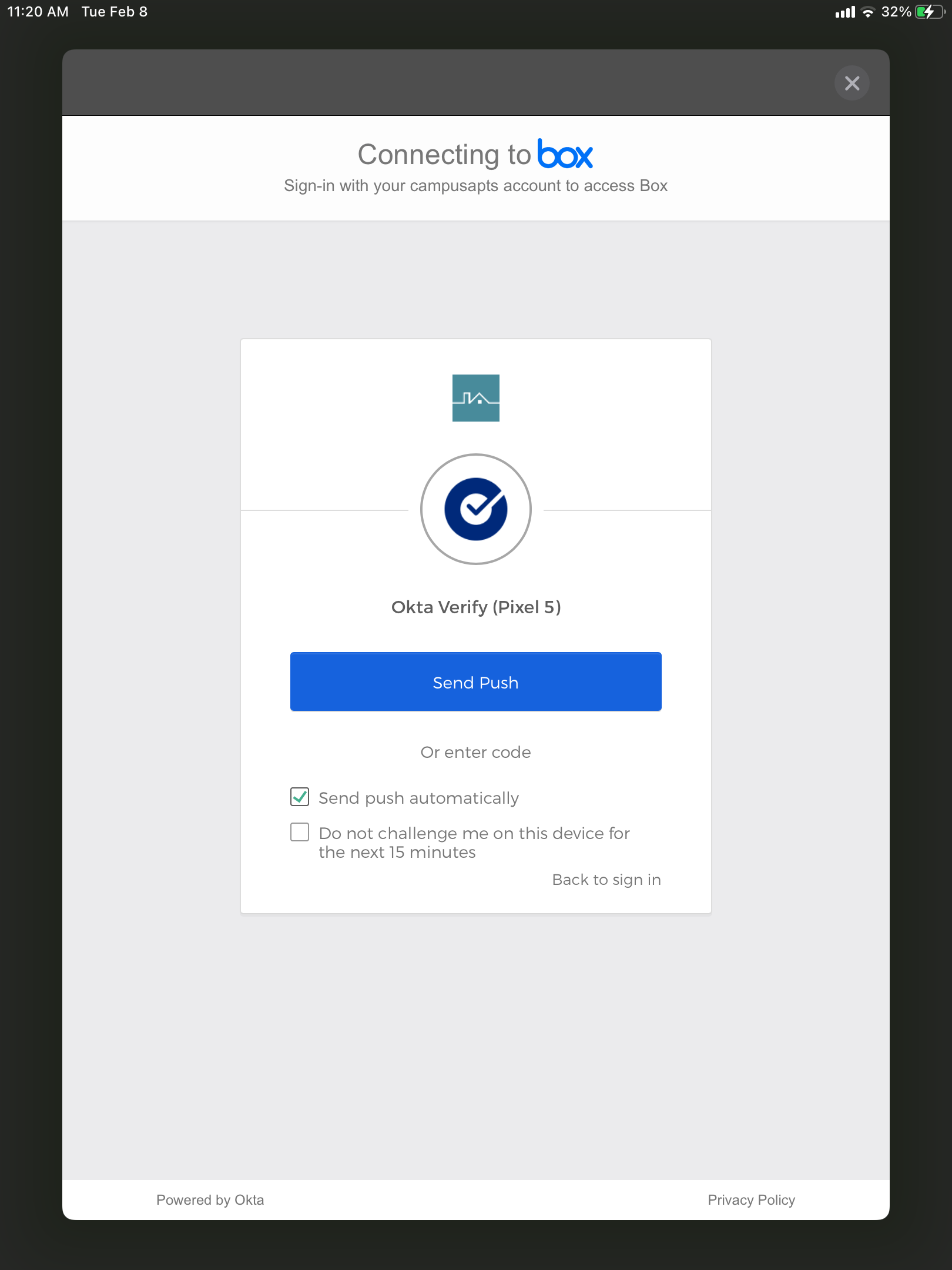
- Authenticate using Okta Verify / Google Authenticator. Once this is completed you are will be logged into Box
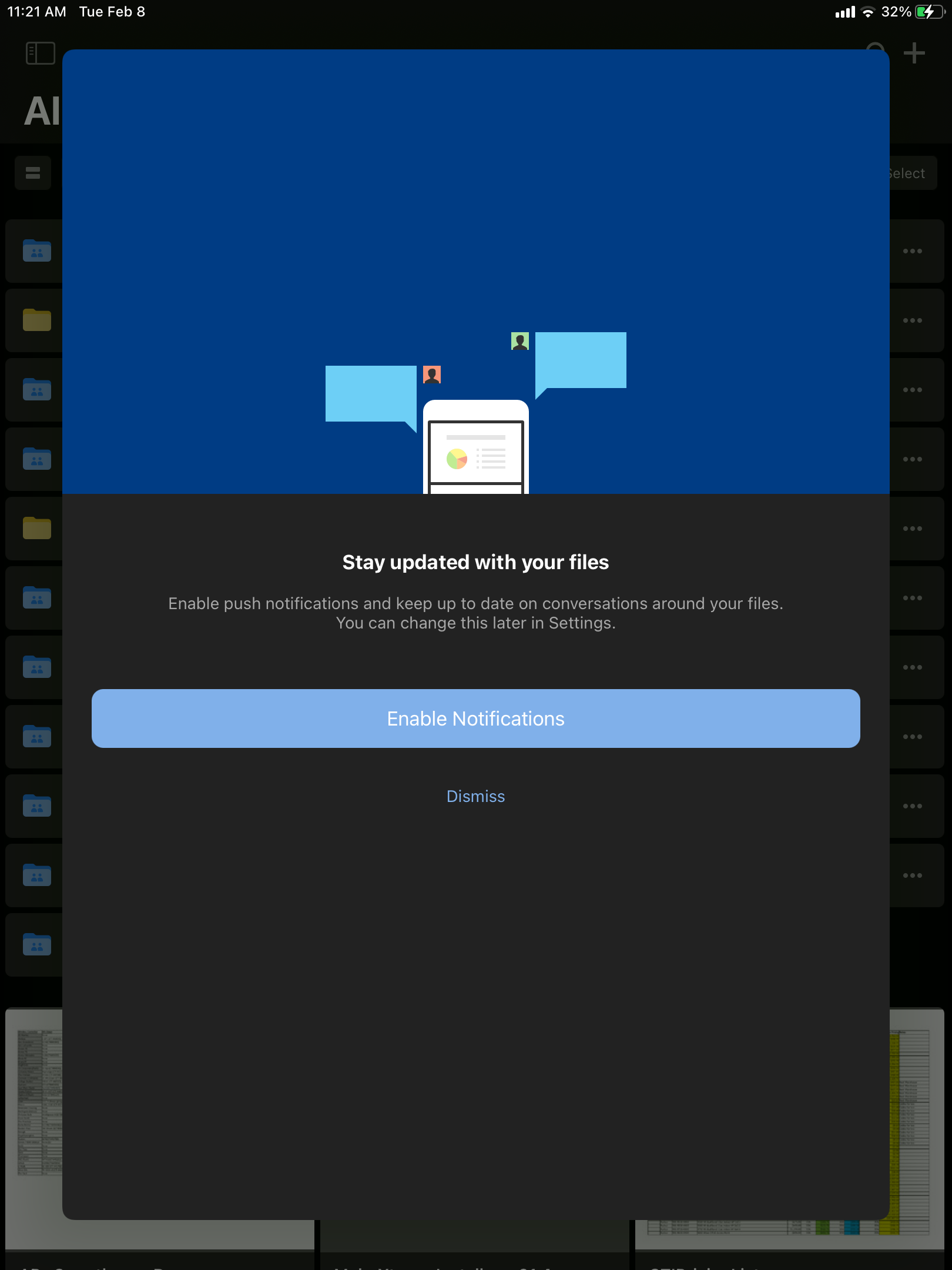
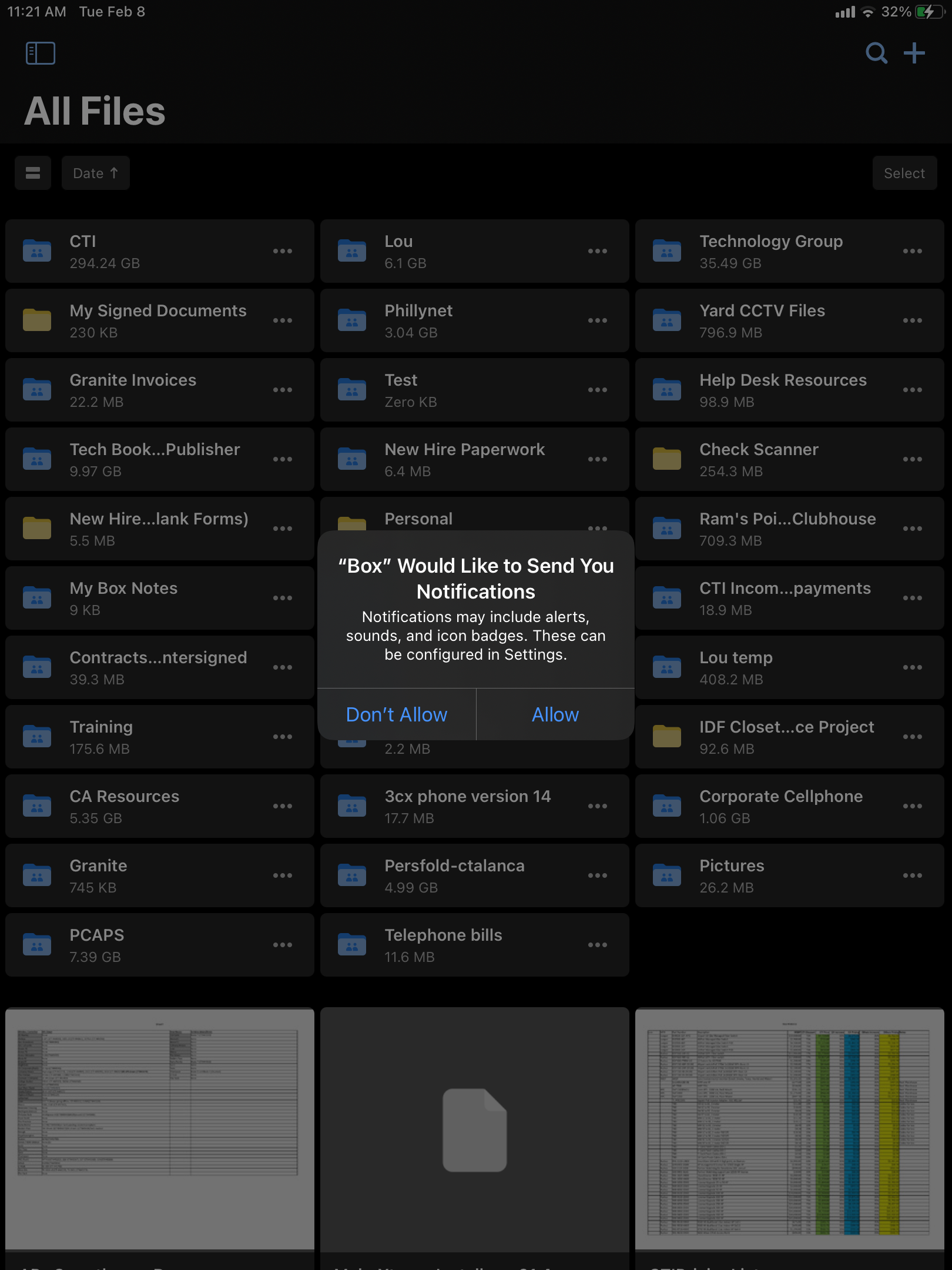
- Optional. You can enable notifications when files are uploaded or changed
Comments
0 comments
Article is closed for comments.