
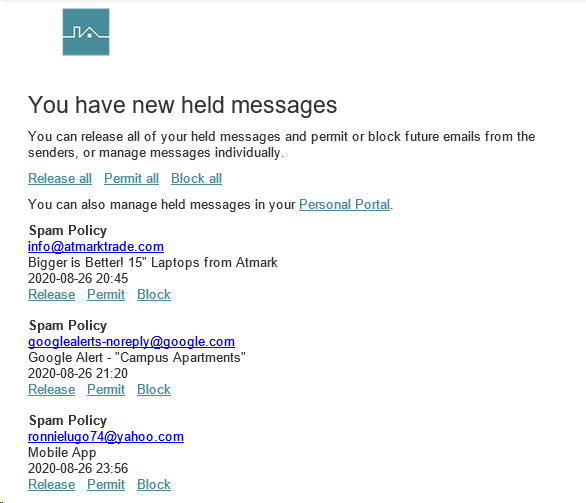
- Release: will deliver the email to your inbox
- Permit: will deliver the email and whitelist the sender (so you always get these emails)
- Block: will permanently block the sender so you'll never see it again
URL Protection
Additional learning resources: https://community.mimecast.com/s/article/How-Does-Targeted-Threat-Protection-URL-Protect-Work-1614925882
Part of Mimecasts security is the capability to investigate URLs that are found in an email. This service re-writes the URL links, including those found in .TXT and .HTML attachments. A layered security check is performed on the destination site when users click on a link from a message. In addition following the initial URL link check, Mimecast determines if the link downloads to a file directly and scans for potentially malicious content in the file.
What happens next depends on whether the URL is considered safe or harmful:
- If the link is considered safe, users are redirected to the original destination site without intervention.
- If the link is considered unsafe, the messages a user receives depends on the settings configured by the administrator.
When a user clicks on a link, they will initially be presented with a security check message in their browser. This is used for all URLs that are clicked on prior to any checks being conducted.
Example:
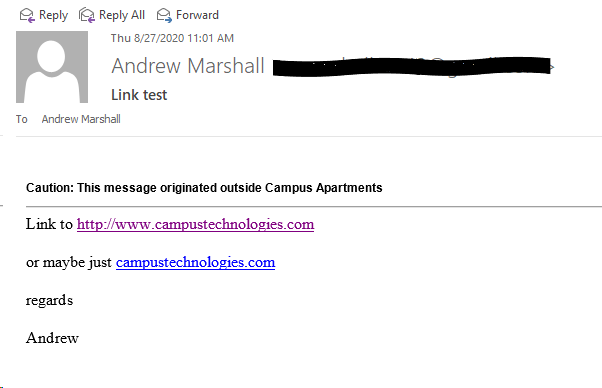
Pictured below is a Generic test email with URLs found in the body
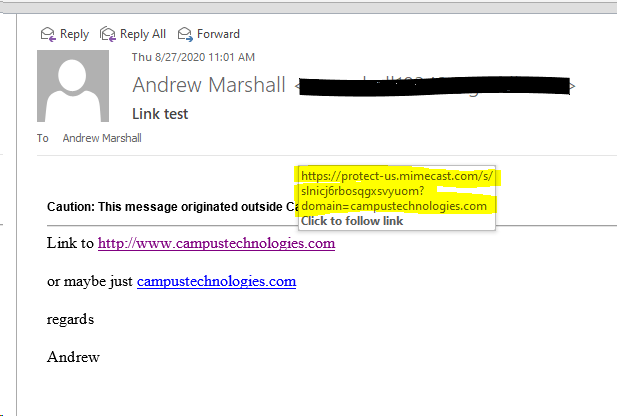
Pictured below is a test email with URLs found in the body, once you hover over the URL to test for validity, you can see it now reads as "https://protect-us.mimecast.com"
Device Enrollment
Additional Resources: https://community.mimecast.com/s/article/Targeted-Threat-Protection-Device-Enrollment-418927222
Device enrollment enhances security when accessing attachments and links in messages, by using an authentication service. If the authentication service is turned on, a cookie is stored on the user's device.
When they access a Targeted Threat Protection service (e.g. a rewritten or attachment release link), a check is made to see if the cookie is on their device:
- If yes, the user is allowed to access the service.
- If no, the user must complete a two-step authentication process to enroll their device. Once their device is enrolled, a cookie is added to their browser, which is used for future interactions with our Targeted Threat Protection service.
Once a cookie is stored on the end user's device, it's renewed with each additional Targeted Threat Protection service interaction. You can set an expiry period for the cookie. However because it's renewed with each Targeted Threat Protection service interaction, the user only enrolls once unless they don't access the service again before the cookie expires.
Example:
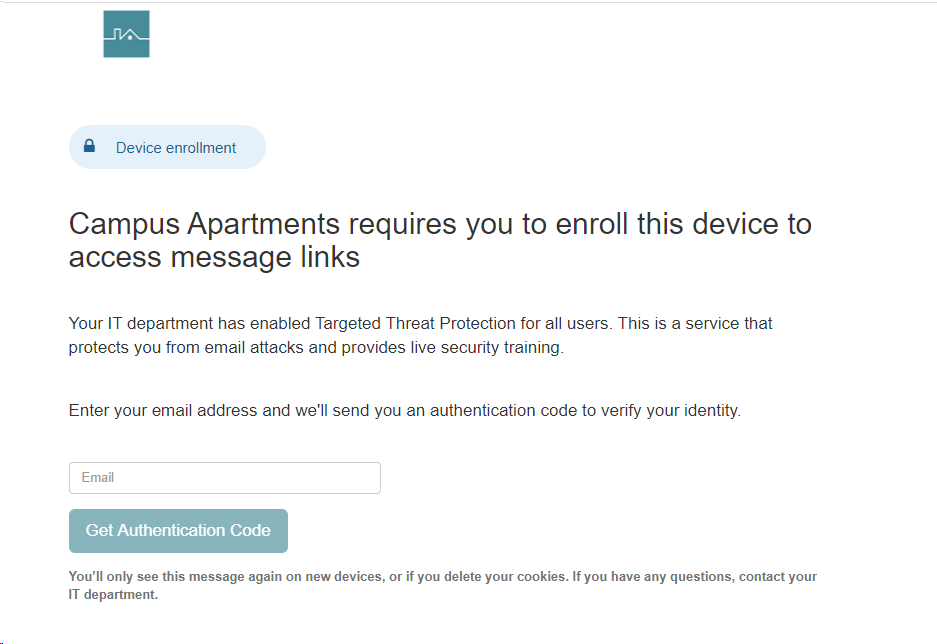
Pictured below is the first screen you are prompted with once you click on a URL from an unrecognized devices.
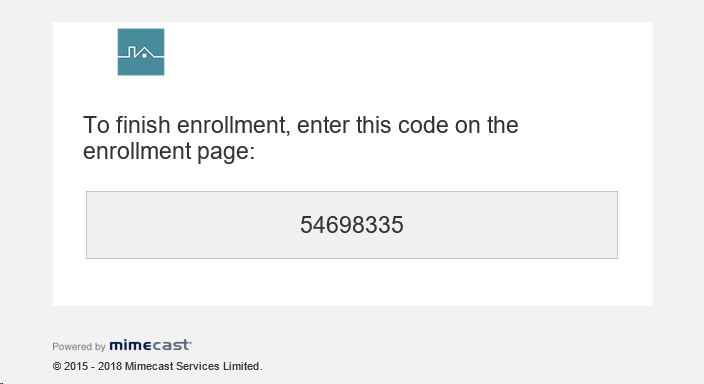
Pictured below is an example of the Authorization email you will receive
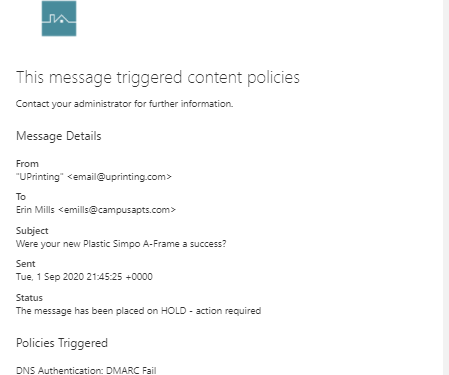
DNS Authentication: DMARC Fail
A DMARC record appears in the sending organization's DNS database. Published as text (TXT) resource records (RR), DMARC records specify what the recipient of an email should do with mail that fails authentication.
DMARC domain alignment is part of the DMARC compliance and validation process. For SPF, domain alignment requires that a message's From domain and its Return-Path domain must be the same. For DKIM, domain alignment means that the From domain and a message's DKIM signature must be a match.
This type of message is held in the held messages "DNS Authentication: DMARC Fail" queue and can be released to the recipient if necessary.
Security Training Module
The monthly security training module can be found here:
https://login-us.mimecast.com/matfe/#/library/videos
Comments
0 comments
Article is closed for comments.