
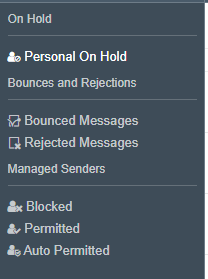
- Go to the "Blocked" link
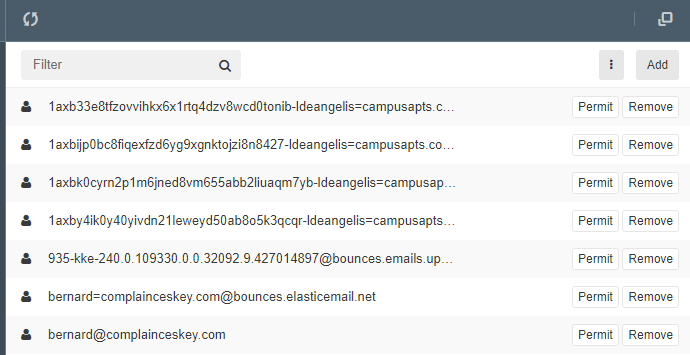
- Identify the email recipient you need to permit. Select the Permit button
Steps to Manually Add an Email to Block
- In the Blocked Messages section, click the Add button at the top

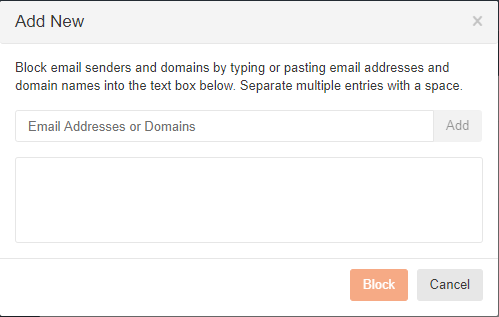
- Once the new box populates, manually key in the email address you wish to Block. Once entered, hit Block.
Comments
0 comments
Article is closed for comments.