
All Applications that are approved to be installed on a Campus Apartments iPad can be found in the App Catalog.
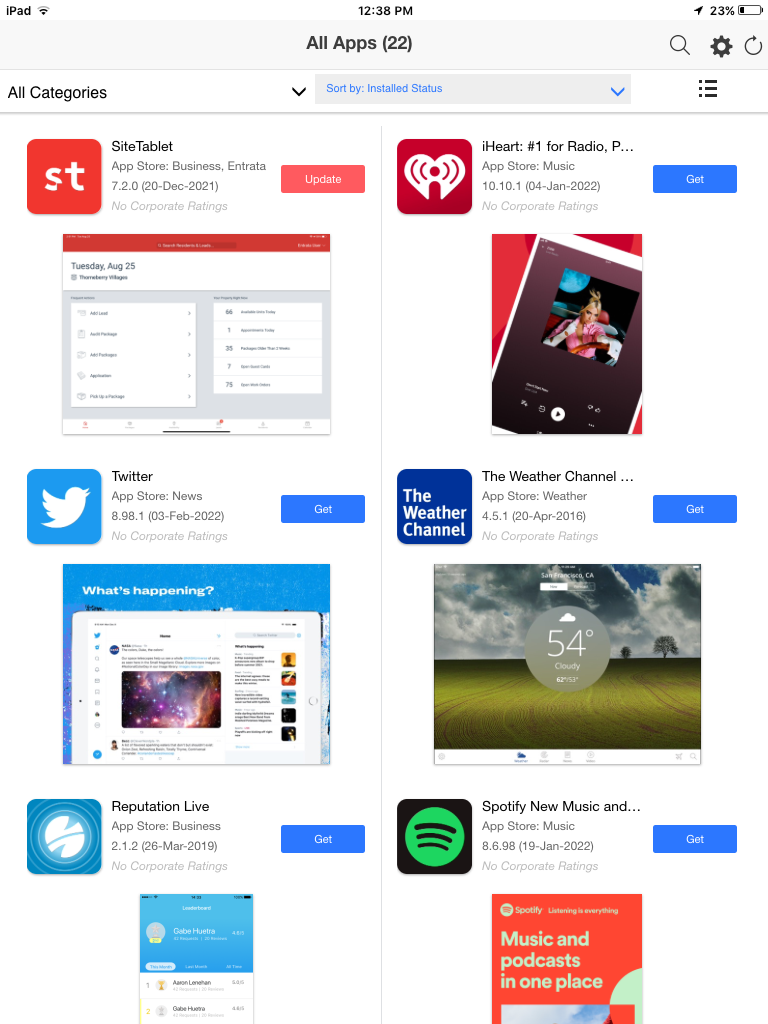
In order to update or install an application, you will need to open the App Catalog on the iPad.
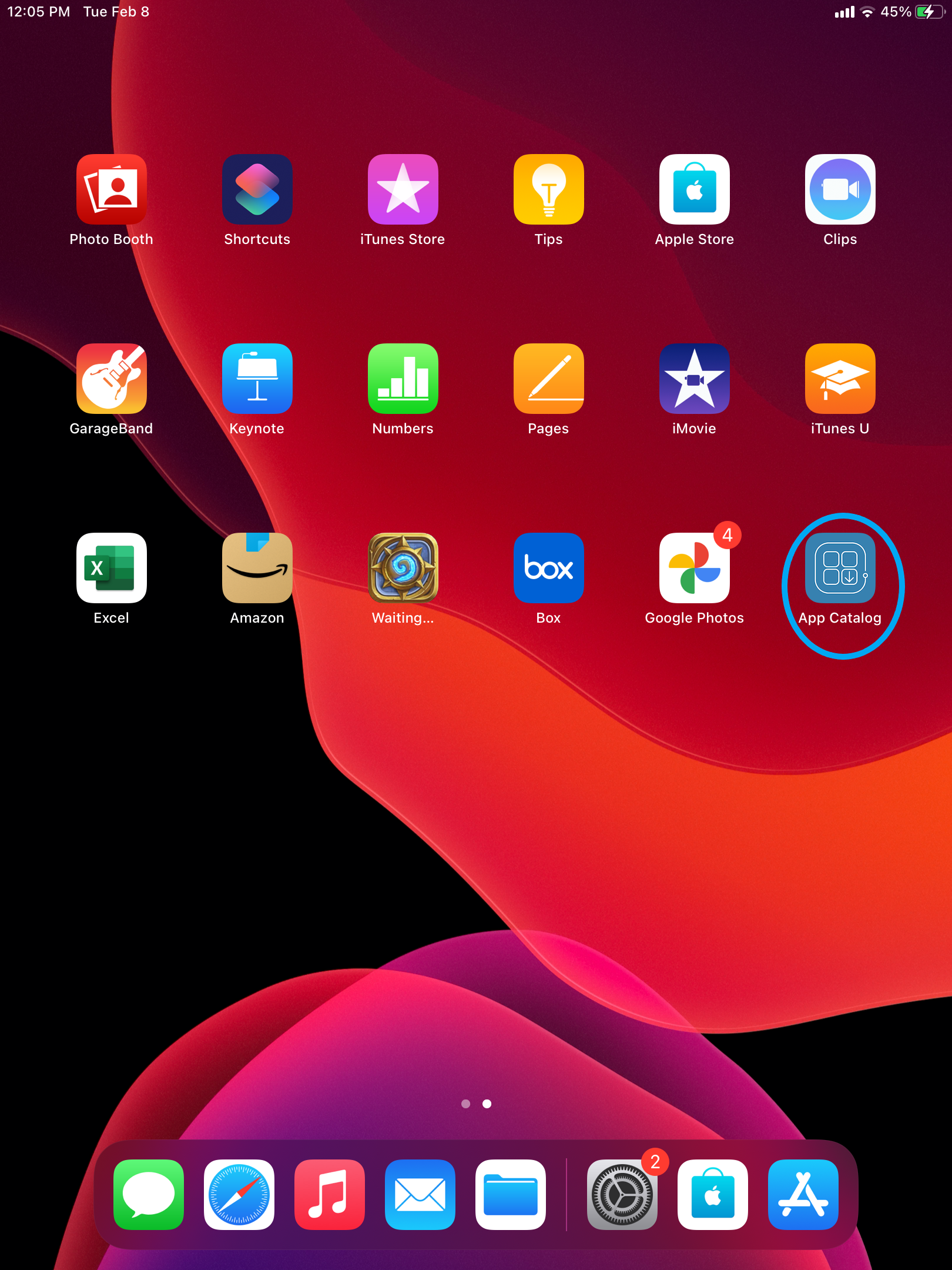
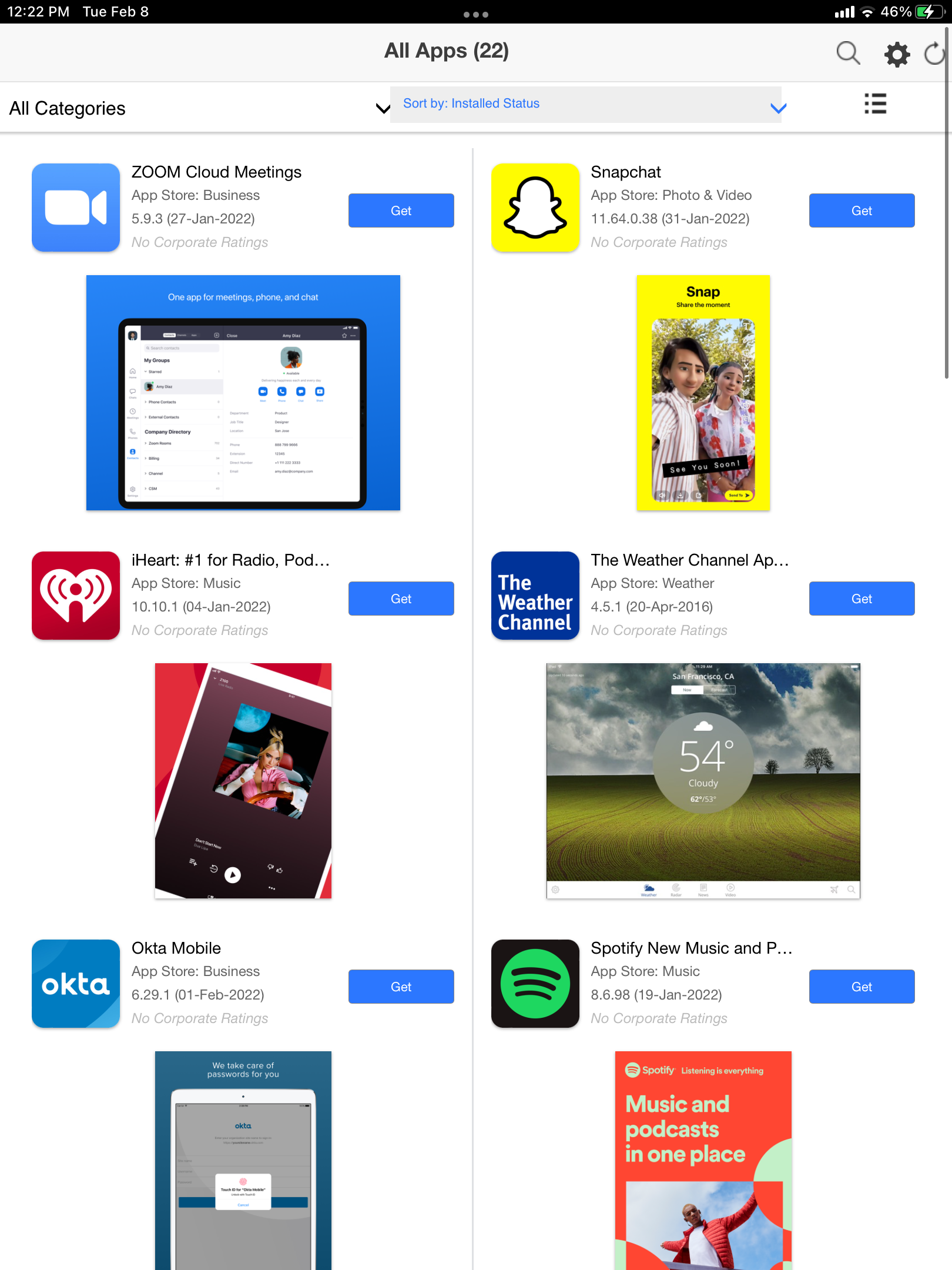
- If an Application says "Get", you can choose to install
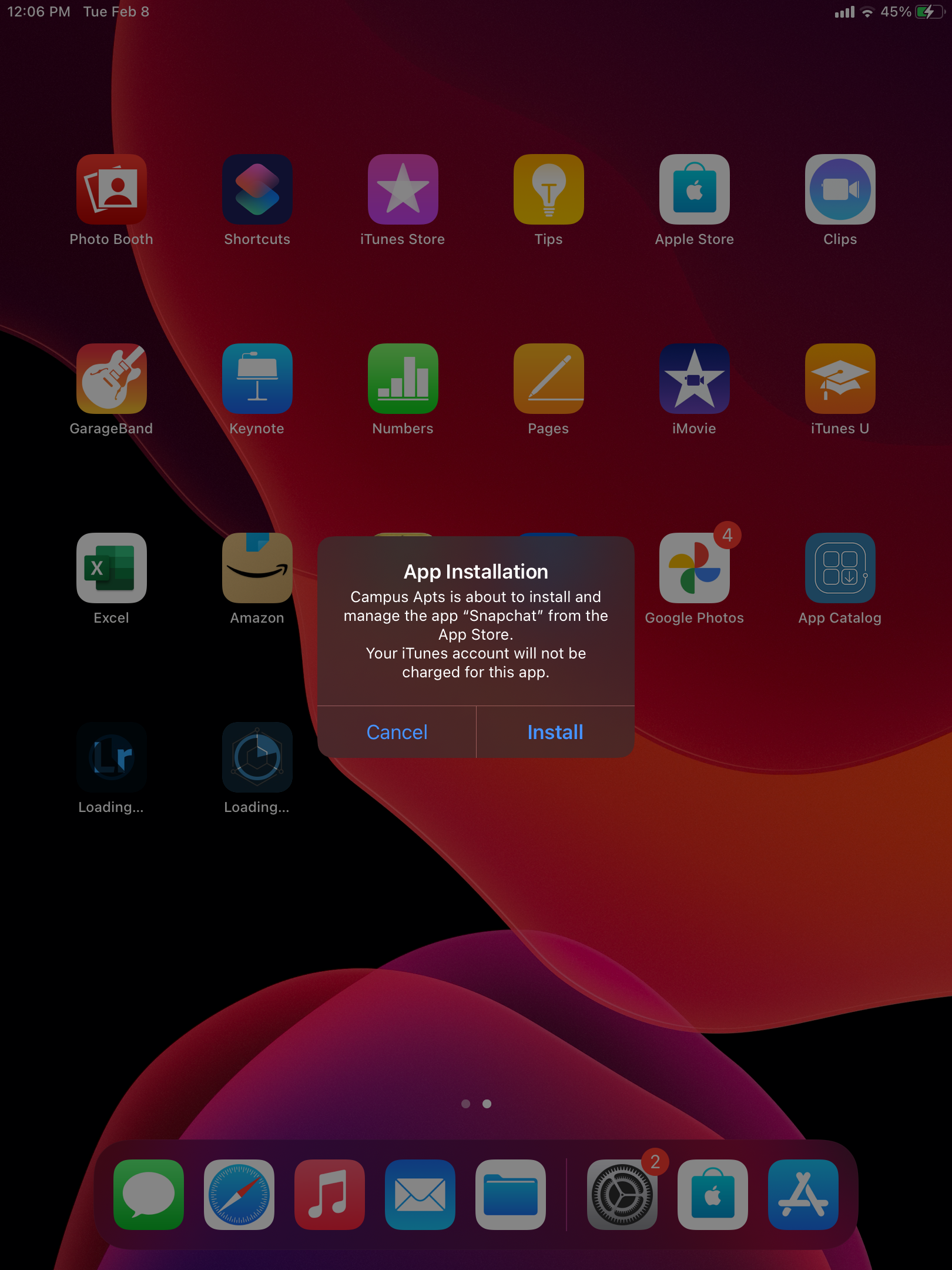
- Once clicked, you will see a notification similar to the below
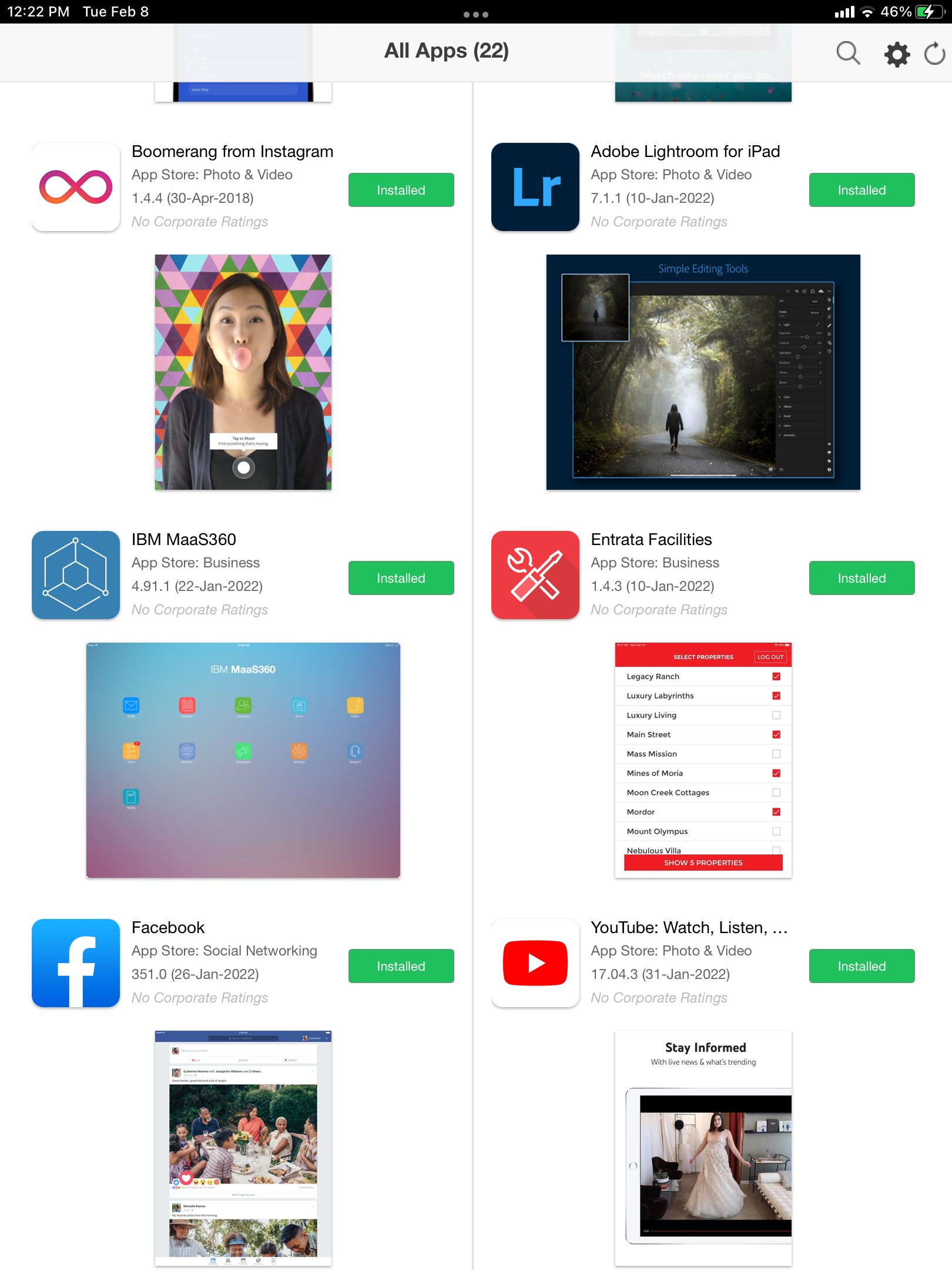
- If an Application is installed, you will see the green box saying "Installed"
- If an Application is in need of an update, you will see the red box saying "Update"
Comments
0 comments
Please sign in to leave a comment.