
- Click the Start button using your mouse or shortcut key on your keyboard
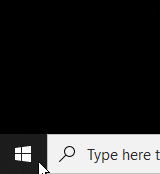 OR
OR 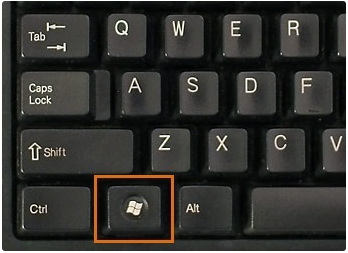
- Once selected, you can type the word Slack, it should populate similar to the photo below

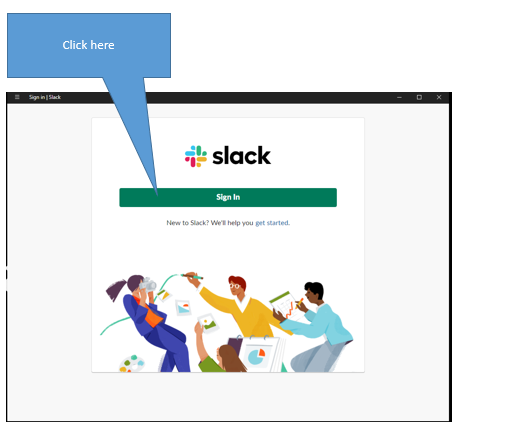
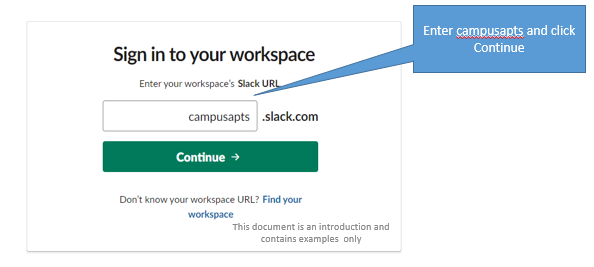
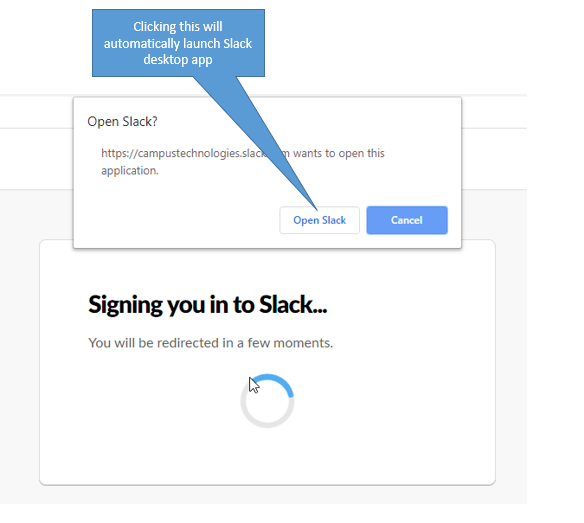
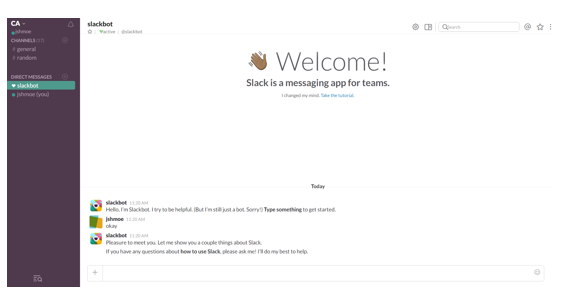
- Once you have successfully signed in, your screen should look similar to the below one.
Comments
0 comments
Article is closed for comments.